Google Search Console SEO: A Practical 2026 Guide
Learn how to use Google Search Console for SEO, find ranking opportunities, analyze CTR and impressions, and turn search data into an actionable strategy.
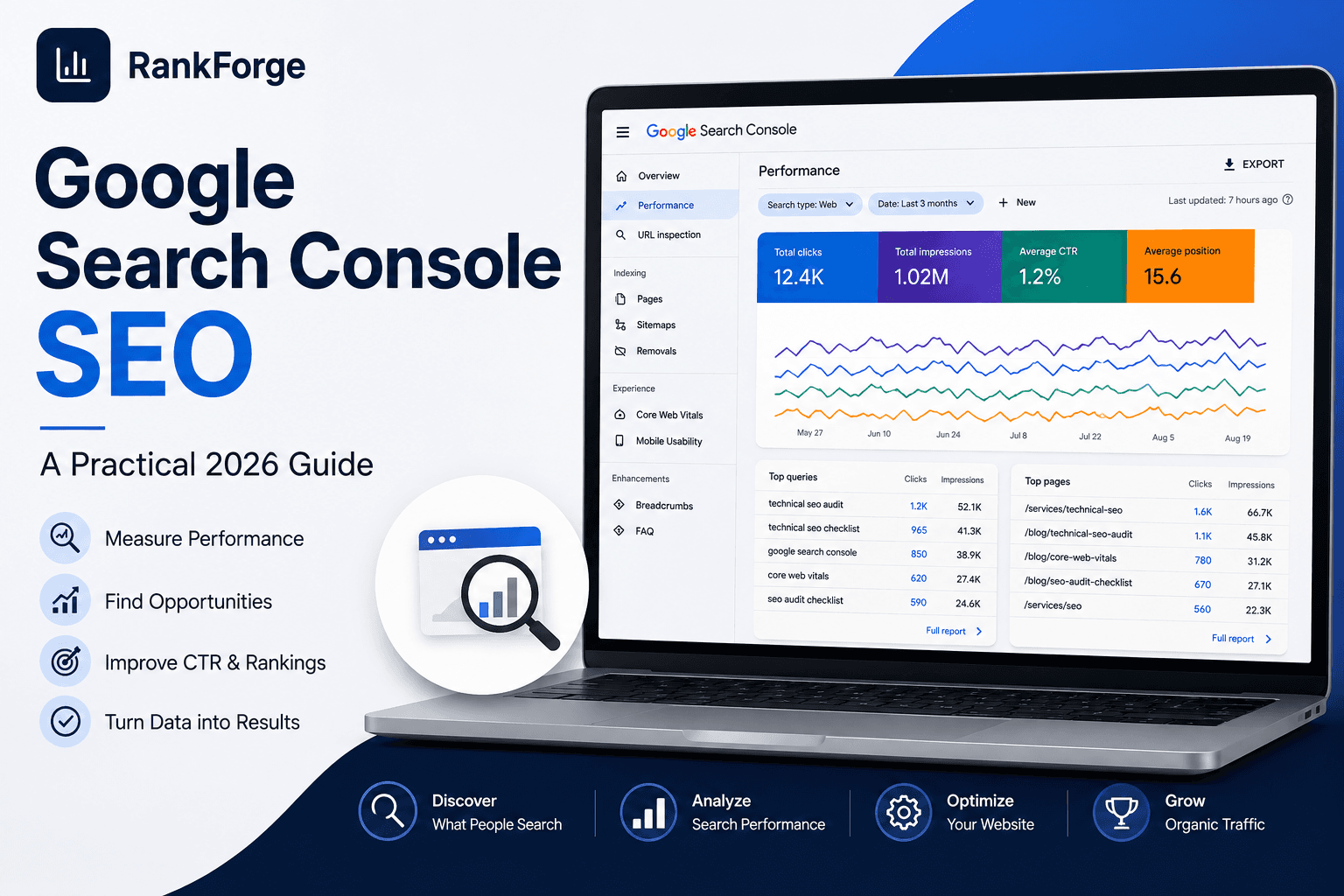
Google Search Console SEO: A Practical 2026 Guide
Google Search Console is one of the most useful sources of first-party SEO data available to website owners and marketing teams.
It shows how your website appears in Google Search, which queries generate impressions and clicks, which pages receive organic traffic, and how your search visibility changes over time.
But the real value of Google Search Console is not simply looking at the numbers.
The goal is to turn those numbers into SEO decisions.
This guide explains how to use Google Search Console for SEO, which metrics matter most, how to identify ranking opportunities, and how to turn search performance data into an actionable optimization plan.
What Is Google Search Console?
Google Search Console is Google's platform for monitoring and troubleshooting a website's presence in Google Search.
It provides data about:
- Search queries
- Clicks
- Impressions
- Click-through rate (CTR)
- Average position
- Indexed pages
- Search appearance
- Core Web Vitals
- Sitemap status
- Indexing issues
- Security and manual actions
For SEO teams, the Performance report is particularly valuable because it shows how users discover your website through Google.
Google Search Console should therefore be treated as an ongoing SEO measurement system rather than a tool you only open when something goes wrong.
score = (business_value * ranking_gap) / implementation_effortWhy Google Search Console Matters for SEO
SEO decisions are stronger when they are based on actual search behavior.
Google Search Console can reveal opportunities that may not appear in traditional keyword research.
For example, a page may already receive impressions for a keyword that was never intentionally targeted.
That creates an opportunity.
Instead of creating another page from scratch, you may be able to improve the existing page and make its relevance clearer.
Search Console can help you identify:
- Keywords where your pages already receive impressions
- Pages ranking on the second or third page
- Queries with high impressions but low CTR
- Pages gaining or losing visibility
- Search topics Google associates with your website
- New keyword variations appearing over time
- Technical or indexing problems affecting visibility
This makes GSC especially useful when combined with technical SEO, content optimization, and broader search strategy.
The Four Core Google Search Console Metrics
The Performance report revolves around four primary metrics.
Clicks
Clicks represent visits to your website from Google Search.
Clicks are important because they show when search visibility results in actual organic traffic.
However, clicks should not be evaluated alone.
A page can receive many impressions but relatively few clicks, which may indicate an opportunity to improve its search result presentation.
Impressions
An impression occurs when your page is shown in Google Search.
Impressions are valuable because they reveal search visibility even when users do not click.
A page receiving hundreds of impressions but almost no clicks may have an optimization opportunity.
For example, you may need to improve:
- Search intent alignment
- Title wording
- Meta description
- Content relevance
- Page positioning
- SERP differentiation
Impressions can therefore act as an early signal of SEO potential.
Click-Through Rate
CTR measures the percentage of impressions that resulted in clicks.
The basic calculation is:
CTR = Clicks ÷ Impressions × 100
A low CTR does not automatically mean that a page is performing badly.
CTR depends heavily on:
- Average position
- Search intent
- SERP features
- Brand recognition
- Query type
- Competition
The correct approach is to compare CTR alongside impressions and average position.
Average Position
Average position provides an estimate of where your site's result appeared across the queries and impressions recorded by Search Console.
A page ranking around position 8 has a very different opportunity from a page ranking around position 85.
In general, keywords already appearing within the first few pages deserve particular attention because relatively small improvements can sometimes produce meaningful increases in visibility and clicks.
How to Find SEO Opportunities in Google Search Console
One of the most useful ways to work with GSC is to look for opportunities instead of simply reporting metrics.
1. Find Keywords With High Impressions
Start by sorting queries by impressions.
Look for queries where your website receives significant visibility but few clicks.
These queries can indicate that Google already considers your website relevant enough to appear, but the result may not yet be competitive enough to earn clicks.
Review:
- Search intent
- Current ranking page
- Title tag
- Meta description
- Content depth
- Internal links
- Topical relevance
Then decide whether the existing page should be improved.
2. Find Keywords Ranking on the Second Page
Keywords ranking around positions 11–20 can be especially interesting.
These pages are already relatively close to stronger visibility.
Instead of creating a new article for every keyword, first determine whether an existing page can be improved.
Possible actions include:
- Expanding missing sections
- Improving search intent alignment
- Adding useful examples
- Strengthening internal links
- Improving headings
- Adding relevant supporting terminology
- Improving page experience
- Building stronger topical relationships
3. Look for High-Impression, Low-CTR Queries
A query with strong impressions but a low CTR deserves investigation.
The problem may not necessarily be the content itself.
The search result may simply be less compelling than competing results.
Review the page title and description and ask:
Would a searcher immediately understand why this result is relevant?
If not, test a clearer and more intent-focused title.
4. Compare Queries With Landing Pages
Do not analyze keywords in isolation.
Open the query and identify which page is receiving impressions.
This tells you whether Google is associating the right page with the search intent.
If the wrong page appears for an important query, you may have an intent or internal-linking problem.
If several pages compete for the same query, you may need to clarify the site's topical structure.
Google Search Console for Technical SEO
Search Console is also useful for identifying technical SEO issues.
Important areas include:
- Page indexing
- Crawled but not indexed pages
- Discovered but not indexed pages
- Sitemap processing
- Core Web Vitals
- Mobile usability signals where applicable
- Security issues
- Manual actions
Technical SEO problems can prevent otherwise valuable content from performing as expected.
For a broader technical review, combine Search Console with a technical SEO audit that examines crawling, rendering, canonicalization, redirects, structured data, internal linking, and other technical signals.
You can learn more about RankForge's approach to technical SEO.
Google Search Console and Content Strategy
Search Console can also help shape your content strategy.
Suppose your website begins receiving impressions for several related queries.
Those queries may reveal a broader topic cluster.
For example, a website might begin appearing for searches related to:
- Technical SEO audits
- Technical SEO checklists
- Technical SEO audit reports
- Technical SEO tools
- Technical SEO implementation
Instead of treating every keyword as a separate content project, group related queries by search intent and topic.
This can help you decide whether you need:
- A pillar page
- Supporting articles
- Service pages
- Comparison content
- Case studies
- Supporting resources
The objective is not to publish as many pages as possible.
The objective is to build a useful information architecture around topics your audience actually searches for.
How to Use GSC for AI Search and Modern SEO
Search behavior is evolving beyond traditional blue-link results.
Google's search experience increasingly includes AI-powered experiences, while users are also interacting with other answer engines and AI search systems.
This means SEO teams should pay attention not only to traditional rankings but also to the broader signals that make content useful and understandable.
Search Console remains valuable because it shows real Google Search demand.
For example, emerging queries around AI Mode and AI search can reveal new topics before they become major traffic drivers.
The workflow should be:
- Identify emerging queries.
- Group them by search intent.
- Check which pages receive impressions.
- Improve existing content where appropriate.
- Create new content where a genuine content gap exists.
- Strengthen internal links between related pages.
- Measure changes over time.
This creates a feedback loop between search data and content strategy.
For businesses targeting AI-powered search visibility, this should work alongside a broader AI Search Optimization strategy.
Google Search Console vs. an SEO Audit
Google Search Console and an SEO audit serve different purposes.
Search Console tells you what Google is seeing and how your website is performing in Google Search.
An SEO audit investigates why the website may be performing the way it is.
For example:
| Google Search Console | SEO Audit |
|---|---|
| Queries | Crawlability |
| Clicks | Indexation architecture |
| Impressions | Technical issues |
| CTR | Canonicalization |
| Average position | Internal linking |
| Search appearance | Structured data |
| Indexing reports | Redirects |
| Core Web Vitals | Site architecture |
The strongest workflow combines both.
Search Console provides performance evidence.
The audit provides diagnosis and prioritization.
A Simple Monthly Google Search Console SEO Workflow
You do not need to spend hours inside Search Console every day.
A structured monthly review can be enough for many websites.
Week 1: Review Performance
Check:
- Clicks
- Impressions
- CTR
- Average position
- Top queries
- Top pages
Compare the period with the previous period where appropriate.
Week 2: Identify Opportunities
Find:
- High-impression queries
- Low-CTR queries
- Positions 11–20
- New queries
- Declining pages
- Emerging topics
Week 3: Optimize
Make targeted changes to:
- Content
- Titles
- Internal links
- Headings
- Supporting sections
- Search intent alignment
- Technical elements
Week 4: Measure
Record what changed and continue monitoring the affected pages.
SEO improvements often require time before their full impact becomes visible.
The important thing is to create a repeatable measurement process.
Common Google Search Console Mistakes
Looking Only at Clicks
Clicks matter, but ignoring impressions and position can hide opportunities.
Chasing Every Keyword
Not every query deserves a new article.
First determine the search intent and whether an existing page can satisfy it.
Treating Average Position as an Exact Ranking
Average position is a useful directional metric, not a fixed ranking that every searcher sees.
Ignoring Low-CTR Opportunities
High impressions with low CTR can represent valuable optimization opportunities.
Making Changes Without Measuring Them
SEO changes should be tracked.
Without measurement, it becomes difficult to know which improvements actually helped.
Creating Content Without Connecting It
New articles should not exist as isolated pages.
Use contextual internal links to connect related topics and strengthen your site's information architecture.
How RankForge Uses Search Data
At RankForge, Search Console data is one part of a broader SEO process.
We combine search performance data with technical analysis, content strategy, internal linking, structured data, topical authority, and modern AI-search considerations.
The goal is not simply to increase the number of keywords a website ranks for.
The goal is to build sustainable organic visibility around commercially relevant topics.
You can explore our SEO services or learn more about our technical SEO services.
Final Takeaway
Google Search Console is most valuable when it becomes part of an ongoing SEO decision-making process.
Use it to understand:
- What people are searching for
- Where your website is appearing
- Which pages receive visibility
- Where CTR can improve
- Which keywords are close to stronger rankings
- Which topics are emerging
- Where technical problems may be affecting performance
Then turn those observations into specific actions.
The best GSC workflow is simple:
Measure → Identify → Optimize → Connect → Re-measure.
When that process is repeated consistently, Search Console becomes much more than a reporting dashboard.
It becomes a practical source of SEO strategy.
Ready to turn this into a roadmap?
RankForge can audit your site, prioritize the best opportunities, and build the growth system behind them.
Request free audit